Get HELP here!
Simply move your mouse over the area you require help with.
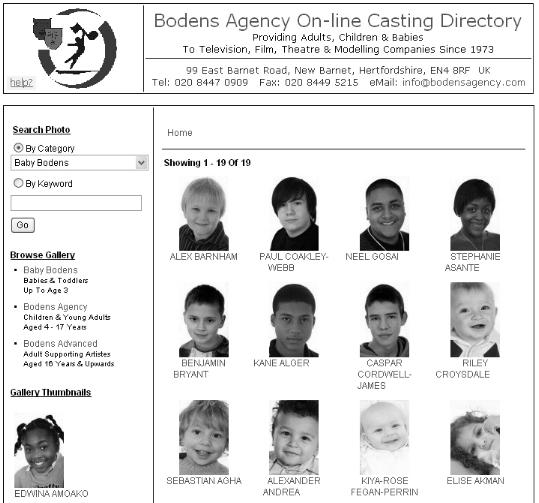
  Send an eMail to Bodens Agency.  Click this link to launch your email system. Click on any small photo to display the full record and a larger photograph. Click on any small photo to display the full record and a larger photograph. Category Search - click on arrow to reveal the Category menu, next click on the category of your choice, then click the GO button. Keyword Search - Type in a word, clcik GO button and all matching records will be displayed. EXAMPLES: blue (for blue eyes), piano, tap (for tap dancers), etc. GO button - press this to start a CATEGORY or KEYWORD search. Enter a Gallery - click on a Gallery Heading to enter.  Each gallery has sub-galleries.


SOME MORE TIPS:

  • to PRINT a record, select File then Print from your browser.
  • BACK and FORWARD browser controls can be used as normal.